How to Summarize a YouTube Video into Clear, Useful Notes
A practical workflow for finding the main ideas, checking the details, and turning a long video into notes worth keeping.

You finish a helpful video, save it, and a week later remember the idea but not the details. Was the important step near the beginning? Did the speaker recommend that approach for everyone, or only for one situation?
A useful YouTube summary gives you a way back into the ideas. It preserves the main argument, the supporting details, and the conditions that make the advice work. Here is a practical workflow you can use with CuteNote or your own notes.
Start with one sentence about your goal. “I want to understand the argument” produces a different note from “I want to follow this tutorial tomorrow.”
Choose what you want to keep
Before summarizing, decide what kind of video you are working with. A lecture needs definitions and relationships. A tutorial needs ordered steps. An interview needs a clear distinction between the host's questions and the guest's claims.
| Video type | Keep in your summary | Check carefully |
|---|---|---|
| Tutorial | Requirements, steps, expected result | Missing steps and software versions |
| Lecture | Main concept, explanation, worked example | Definitions and exceptions |
| Interview | Claims, reasons, speaker attribution | Opinions presented as facts |
| Product review | Criteria, tradeoffs, testing conditions | Sponsorship and personal preferences |
Choose a level of detail that fits your next action. Five bullets may be enough to decide whether to watch a video. They are rarely enough to reproduce a complicated process.
Understand the difference between a transcript and a summary
A transcript follows the spoken words. A summary selects and reorganizes the ideas. Detailed notes sit between them: they remove repetition while retaining explanations, examples, and useful context.
Speech is only part of a video. A slide may contain a chart that the speaker never describes. A demonstration may show a setting without saying its name. Treat a text-based summary as a starting point, and revisit the video when the meaning depends on what appears on screen.
For an exact quote, check the original audio. For a procedure, check the demonstration. A fluent sentence in an AI summary is not proof that every detail is correct.
Create your first summary in CuteNote
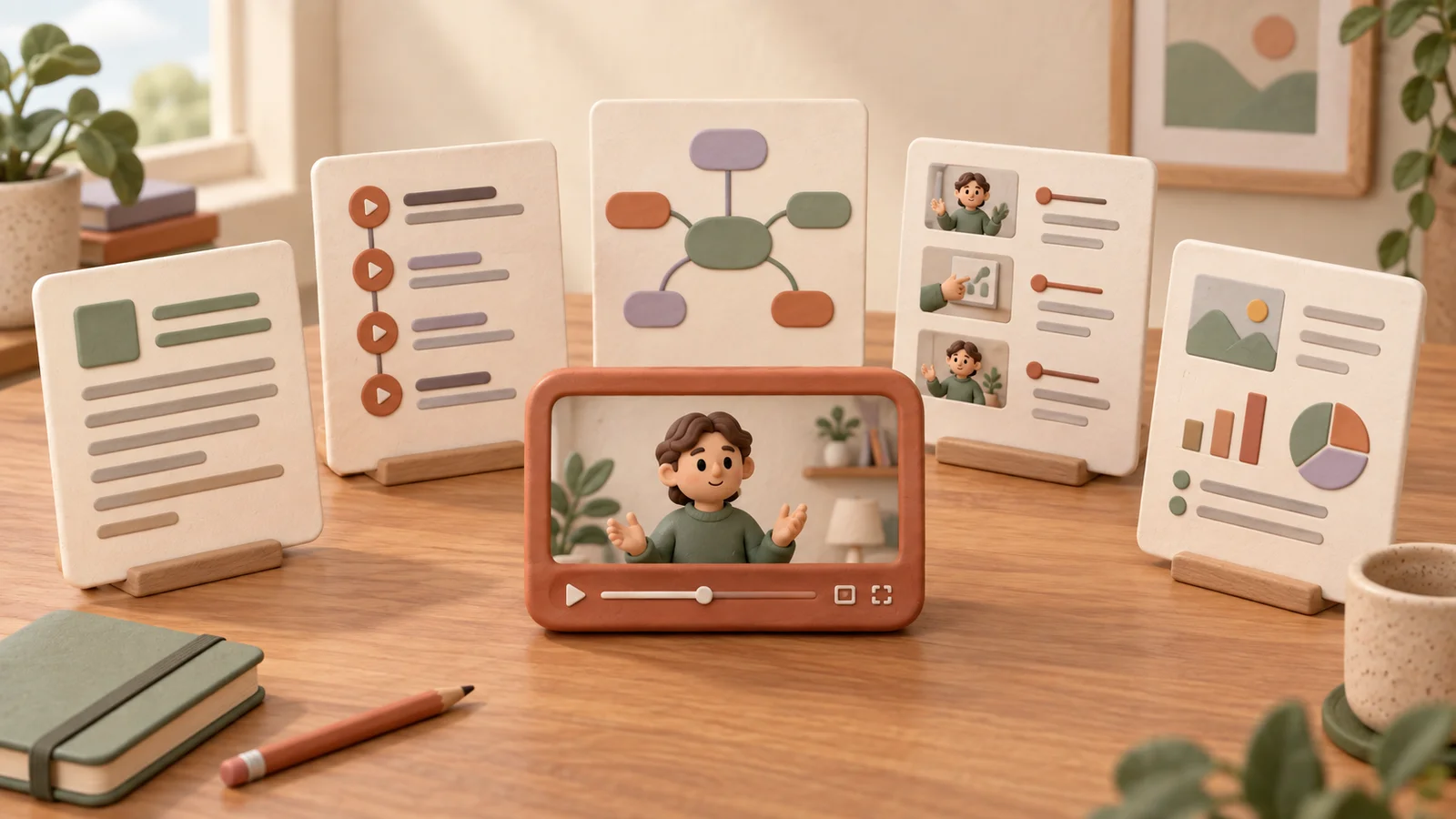
Open CuteNote and paste the YouTube video link into the input. Choose the output that matches your goal: a visual note for a compact overview, a mind map for connections, or Markdown for a structured document. Submit the request and review the result when generation finishes.
Availability depends on access to the source and your account limits. A public link can still fail if the source cannot be retrieved. If that happens, follow the error guidance; where you have an authorized transcript, you can also work from that text. Do not assume a private or restricted video will become accessible through a summarizer.
Read the first result as a draft. Ask whether it actually answers the question you wrote down before starting. If your goal was to apply a process, check that the output includes prerequisites and ordered steps, not just a description of the topic.
Turn the output into a useful note
A reliable note usually has four parts:
- Main idea: one or two sentences explaining what the video is about.
- Key points: the few ideas needed to understand the argument or process.
- Supporting detail: examples, conditions, and any numbers that matter.
- Next action: something you want to try, check, or learn next.
Here is an illustrative example, written for this guide rather than extracted from a real video. Imagine a tutorial about planning a focused work session:
Main idea: Make the session easier to start by defining one concrete result in advance.
Key points: Choose a small deliverable, remove the most likely distraction, and leave time to review what you finished.
Important condition: The deliverable should fit the available time. “Work on the project” is too broad.
Next action: Before the next session, write “Draft the opening paragraph” instead of “Do some writing.”
Notice what this example preserves: the recommendation, its constraint, and an action. “The video talks about productivity” would tell you much less.
Check the details before saving
Compare the note with the source wherever a mistake would change your understanding. Prioritize names, figures, instructions, and claims that sound stronger than the speaker's wording.
- Does “can help” accidentally become “will solve”?
- Is an example being treated as a universal rule?
- Are the speaker's opinions clearly attributed?
- Are steps in the same order as the demonstration?
- Did the summary omit an exception or prerequisite?
Keep a link to the original video with your note. Add a timestamp only after checking where the relevant passage occurs; never guess timestamps to make the note look more precise.
Pick a format you will return to
Use a visual note when you want an overview you can scan. Use a mind map when the relationships between ideas matter. Choose Markdown when you want portable text with headings and lists that you can revise over time.
If you prefer that last approach, follow our guide to turning YouTube videos into Markdown notes. For short tutorials and quick ideas, see how to summarize TikTok videos.
Common questions
Can I summarize a video without watching all of it?
You can use a summary to decide which parts deserve attention. Review the relevant sections before relying on a quotation, a technical procedure, or a conclusion that depends on visual evidence.
How long should a YouTube summary be?
Long enough to serve your purpose. Start with a short overview and retain the details needed to understand or apply it. A complicated tutorial deserves more space than a quick introduction.
What if the result misses the important point?
Check whether the point appears in the available source text or only on screen. Revisit that part of the video, add the missing context to your own notes, and label anything you cannot verify. More polished wording cannot repair missing evidence.