How to Turn YouTube Lectures into Study Notes
Build useful lecture notes from a YouTube transcript, preserving definitions, worked examples, and questions for review.

A lecture can feel clear while you are watching it and become much harder to explain the next day. Good study notes give you a way to reconstruct the explanation: what the concept means, why the steps work, and how the lecturer applies the idea.
AI can help organize the material, but the output needs a learning purpose. A short summary might identify the topic without giving you enough detail to solve a problem. Start by deciding what you want to be able to explain or do after studying.
Choose a manageable section of the lecture
Begin with one topic rather than an entire course. Write a question such as “How does this method differ from the earlier one?” or “What assumptions do I need before using this formula?” Keep that question at the top of your working document.
Gather the available transcript and any slides you are allowed to use. The transcript follows speech; a board calculation or labeled diagram may contain additional information. Mark these gaps so you can revisit the relevant part of the recording.
Keep the lecture title, speaker, and date in your notes. If you record timestamps, check them against the video. Those details make it easier to return to a passage when your understanding changes or a classmate asks about it.
Ask for study notes with examples
Give the assistant the source text and a structure that preserves the teaching. You can use this prompt:
Organize the supplied lecture transcript into study notes.
My learning question is: [question].

Use these sections:
1. Main concept and why it matters
2. Key terms, with the lecturer's definitions
3. Explanation or procedure in a logical order
4. Worked examples from the lecture
5. Assumptions, exceptions, and unclear points
6. Questions I should be able to answer afterward

Keep technical terms consistent. Preserve necessary intermediate steps.
Do not invent examples or attribute new explanations to the lecturer.
Mark information missing from the transcript.
This creates a draft you can inspect. For a long lecture, work through meaningful sections and then combine their outlines. Ask the assistant to identify repeated definitions and conflicting terminology before merging them. Keep the original text available so an early misunderstanding does not get repeated throughout the final notes.
Preserve the part that makes a concept usable
The most valuable detail is often the example between the definition and the conclusion. Consider this invented example from a lesson about evaluating evidence:
Thin note: Check whether the sample is representative.
Useful note: A survey of people leaving a gym may tell you about gym visitors, but it cannot automatically describe everyone in the city. Ask who was excluded before extending the conclusion.
The second version gives you a test you can apply. When reviewing AI notes, look for that connection between the rule and the example.
For mathematics, retain the meaning of symbols, the assumptions, and intermediate transformations. For programming, retain the input, expected output, and relevant version. For history or theory, distinguish evidence, interpretation, and disagreement. A single generic template will not fit all subjects equally well.
Separate the overview from the detail
Use a compact outline to see the lecture's structure, then keep explanations beneath it. A useful study page might contain a short topic map followed by a worked example and a question you still cannot answer.
| Part of the note | What it helps you do |
|---|---|
| Topic outline | Find the relevant concept quickly |
| Definition | Use terms consistently |
| Worked example | Follow how the idea is applied |
| Unresolved question | Decide what to revisit |
If the overview starts filling with paragraphs, move those paragraphs into the detailed section. If the detailed section becomes a verbatim transcript, reorganize it around questions and examples. Keep enough explanation to reconstruct the reasoning without repeating every sentence.
Use the notes to check your understanding
After reading, close the notes and try explaining one concept in your own words. Then compare your explanation with the source. This is a practical way to find a gap that passive rereading may leave unnoticed.
You can also ask an assistant to draft review questions from the notes. Request an answer key with references to the relevant sections, and check it yourself. A question based on an inaccurate summary can reinforce the wrong explanation.
When sharing with classmates, label corrections and personal examples clearly. Keep the distinction between what the lecture said and what you added during revision. For a visual overview, our infographic notes guide explains how to reduce the layout without losing essential context.
Keep lecture notes in the format you need with CuteNote
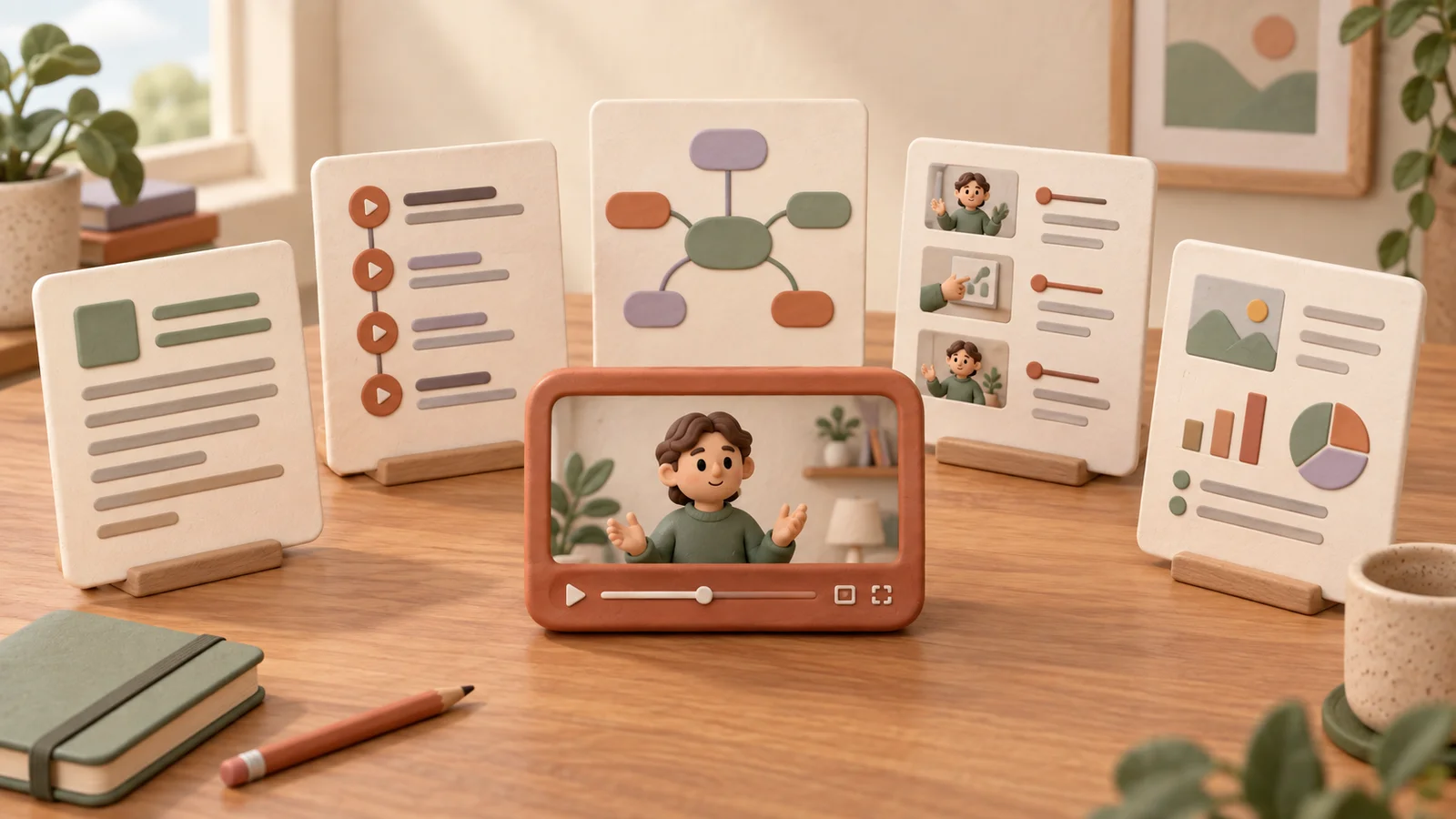
Open CuteNote, paste the lecture's YouTube link, and choose a note format. Detailed Markdown is useful when you want fuller explanations; a mind map helps you navigate topics; a visual long image gives you a compact overview to save or share.
This public note about turning lectures into notes shows how a tutorial can be organized into a visual reference. For your own lecture, review the generated note against the original transcript and revisit any explanation that depends on slides or board work.
You can ask AI questions about the source material and export the supported note format when you are ready. Availability depends on source access and account limits. Start with one lecture section you understand well, then use the result as a foundation for your own study and review.