Keep a practical tip
Turn a spoken recommendation into a small reference note, with enough context to remember what it was for.
Turn a TikTok explanation, tip, or mini lesson into visual notes, a mind map, or Markdown. Give the spoken ideas a place you can find again.
Identify the central tip
Keep the steps in order
Return to the demonstration
Open the TikTok video's Share menu and copy its link. Paste it above.
Sign in, continue to the composer, and generate a visual note, mind map, or Markdown summary.
Read the note, check the source text, and save an image or Markdown file for later.
Get an overview, connect the ideas, or keep the detail. Choose a format when you generate; add another view when you need it.
A clear overview you can scan, save, and share as an image.
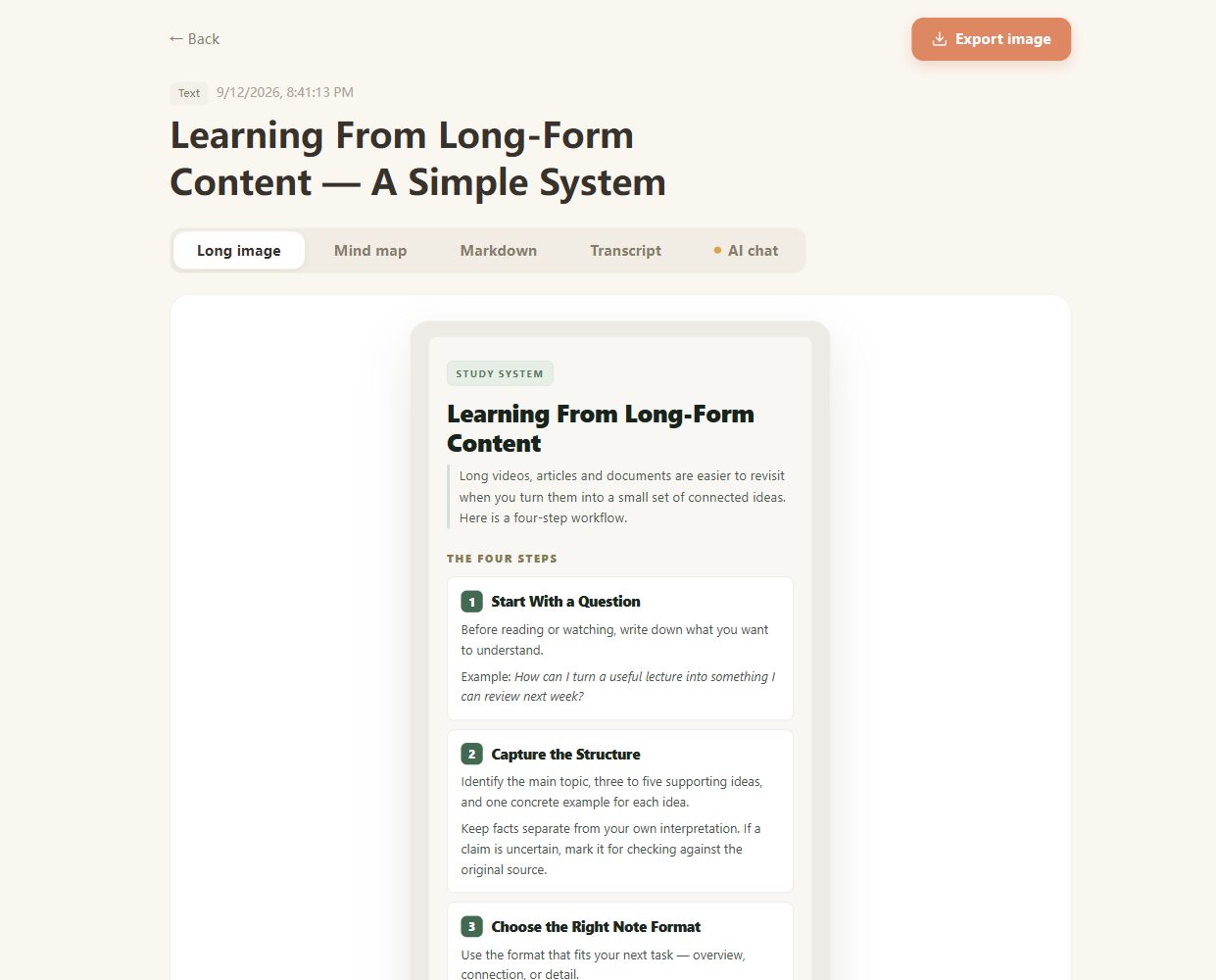
Real CuteNote output · Original demonstration text about learning from long-form content.
Turn a spoken recommendation into a small reference note, with enough context to remember what it was for.
Collect the definitions and examples from an explanation without relying on your saved-video list alone.
Organize the spoken steps in a tutorial. Rewatch for gestures, demonstrations, or instructions shown only on screen.
Use an individual public video URL or a supported share link such as a vm.tiktok.com, vt.tiktok.com, or TikTok /t/ link. Profiles, searches, and collections are not individual video inputs.
This workflow focuses on the video's spoken content. A silent clip, music-only post, or demonstration with essential on-screen text may not provide enough source text for a useful note.
A removed post, access restrictions, platform changes, or audio extraction problems can prevent processing. Follow the error shown in the generation workspace.
If you have a video file you are allowed to process, Video to Notes provides a local upload workflow. It summarizes the extracted speech from that file.
You can export a generated visual note or mind map as a PNG, or download Markdown notes. Check the source before sharing details or presenting advice as fact.
Bring something you want to understand. Leave with something worth keeping.
Create your first note