Remember an educational Reel
Keep the explanation from a creator's short lesson in a note that is easier to scan later.
Bring a public Instagram Reel or post into CuteNote. Turn accessible source content into visual notes, connected ideas, or a detailed Markdown summary.
Find the main explanation
Keep useful supporting details
Revisit the original post
Copy a Reel or post link from Instagram and paste it above.
Continue to the composer, choose a format, and submit the source for extraction and summarization.
Review the note and extracted source. Export the result that fits your next task.
Get an overview, connect the ideas, or keep the detail. Choose a format when you generate; add another view when you need it.
A clear overview you can scan, save, and share as an image.
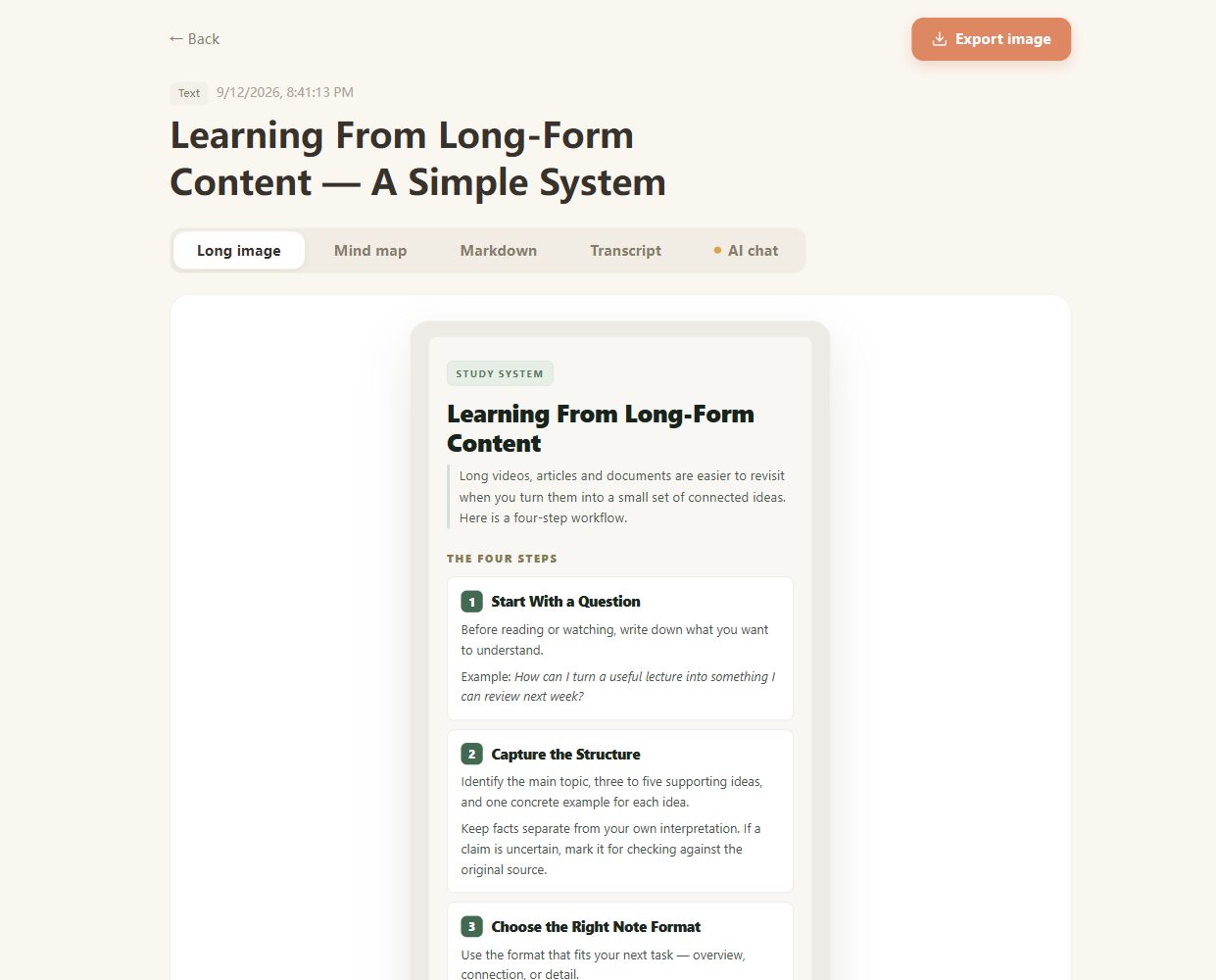
Real CuteNote output · Original demonstration text about learning from long-form content.
Keep the explanation from a creator's short lesson in a note that is easier to scan later.
Bring the accessible post content together so you can focus on its main ideas and supporting points.
Use the source and AI chat to explore what a short summary leaves out before acting on a recommendation.
The input accepts public Reel and post URLs. Processing depends on the content that can be retrieved from the post; some videos, captions, or media may be unavailable.
This page does not support Stories, whole profiles, or private-account access. Submit a specific public post you can share by URL.
No. A spoken explanation gives more context than a silent demonstration. Review the original media for details that were not captured in the extracted source.
Check that you copied the individual post URL and that the post is available. If you have relevant text or a local video you can process, Text Summarizer or Video to Notes offers another input route.
Yes. AI chat on the completed note answers using the extracted source content. It cannot recover parts of a post that the extraction did not retrieve.
Bring something you want to understand. Leave with something worth keeping.
Create your first note