Keep a tutorial's explanation
Turn the spoken instructions into a reference, then watch the recording again for the exact on-screen actions.
Upload a local video and turn its spoken content into visual notes, a mind map, or Markdown. Keep the explanations from tutorials, lectures, and recordings in a format you can scan.
Sign in before selecting your file. Your chosen format will be kept.
MP4, MOV, WebM, or MKV. Notes are based on speech; file and duration limits apply.
View plans and limits ↗Extract the spoken explanation
Organize the important steps
Rewatch the visual details
Sign in and choose one supported video file from your device.
Choose your note format and upload. Supported browsers extract audio first; if that fails, use the original-video upload option when offered.
Follow the job in the workspace. Review the transcript and generated notes alongside the video.
Get an overview, connect the ideas, or keep the detail. Choose a format when you generate; add another view when you need it.
A clear overview you can scan, save, and share as an image.
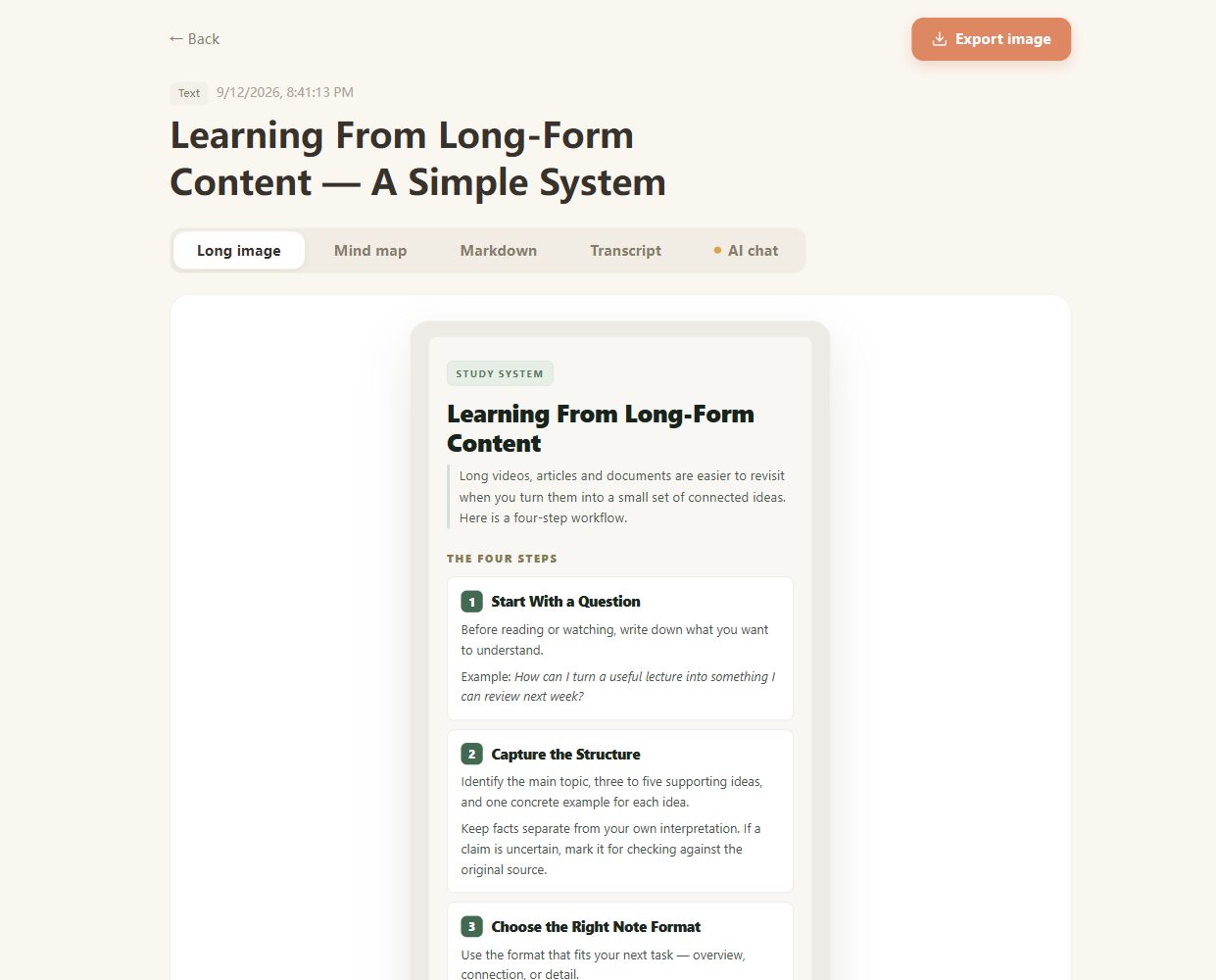
Real CuteNote output · Original demonstration text about learning from long-form content.
Turn the spoken instructions into a reference, then watch the recording again for the exact on-screen actions.
Use a summary to orient yourself before revisiting the sections of a lecture that need more attention.
Find the main themes from a meeting or interview you are allowed to process, and verify decisions in the original.
Upload an MP4, MOV, WebM, or MKV file. File validation, available codecs, and your account limits determine whether it can be processed.
No. This file workflow extracts and transcribes the spoken audio. It does not guarantee frame-by-frame understanding of slides, gestures, code, or text shown only on screen.
For supported videos, preparing the audio in the browser can avoid uploading the full video. If that preparation fails, the interface may offer uploading the original file instead.
For a public platform link, use the corresponding YouTube, TikTok, or Instagram tool. This page is for a video file already saved on your device.
No. Upload a recording you already have, or use CuteNote's separate recording controls. This workflow does not join calls, capture live meeting chat, or provide a meeting bot.
Bring something you want to understand. Leave with something worth keeping.
Create your first note