Remember the interview
Keep the main arguments from a long conversation in a note you can scan later.
Turn an Apple Podcasts or Spotify episode into notes you can actually revisit. Find the big themes, connect the ideas, and dig into the details.
Notice the recurring themes
Connect ideas across the conversation
Choose a takeaway to revisit
Copy the share link for an individual Apple Podcasts or Spotify episode.
Paste the link above. Continue to the composer, select a note format, and generate.
Revisit the key points, explore the transcript, or ask AI to explain a point from the conversation.
Get an overview, connect the ideas, or keep the detail. Choose a format when you generate; add another view when you need it.
A clear overview you can scan, save, and share as an image.
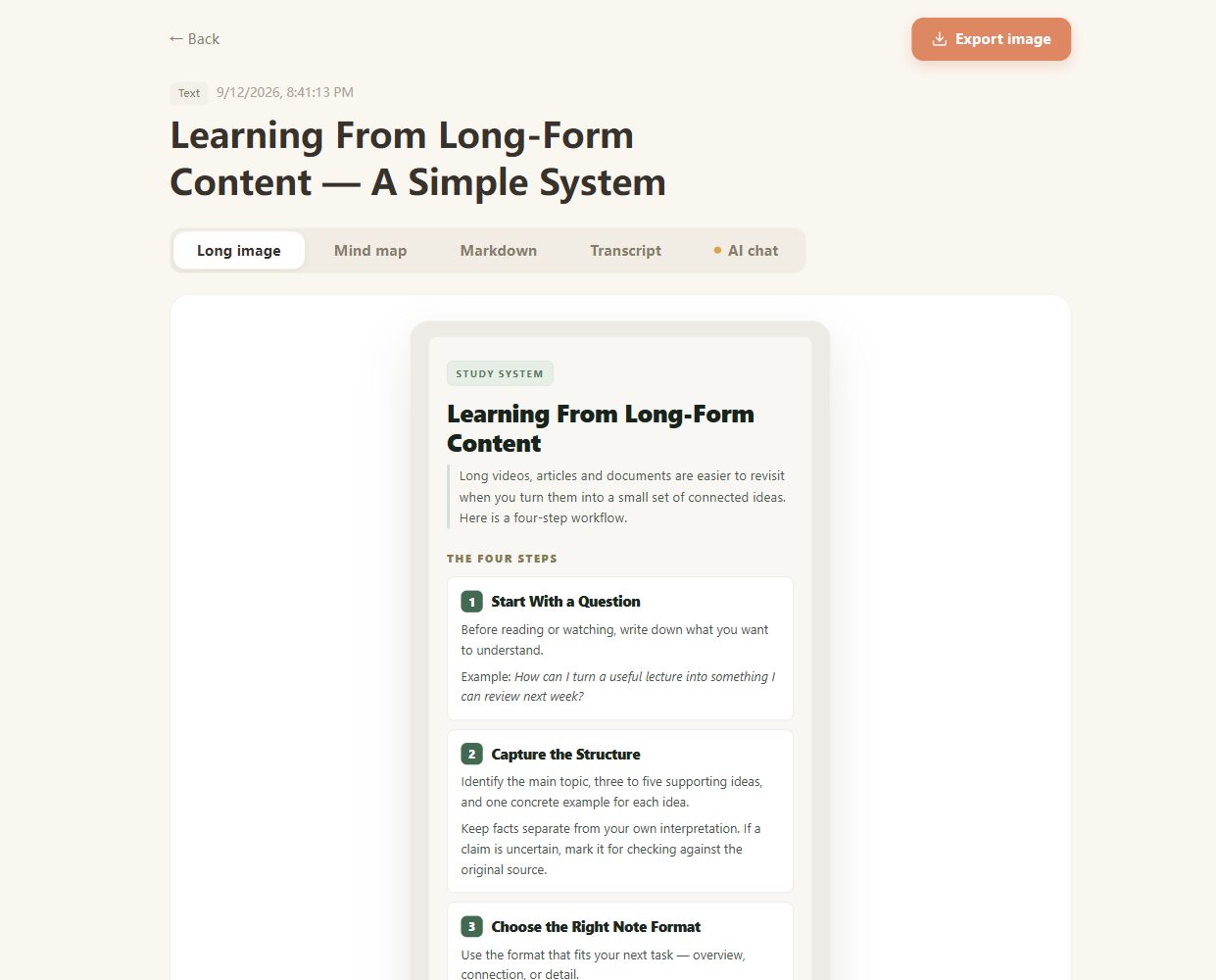
Real CuteNote output · Original demonstration text about learning from long-form content.
Keep the main arguments from a long conversation in a note you can scan later.
Connect unfamiliar concepts with a mind map, then use the source text to read more carefully.
Keep your generated notes in your history and export the ones you want to reference elsewhere.
This tool accepts individual Apple Podcasts and Spotify episode links. The episode audio must be accessible. Private, subscription-only, or unavailable episodes may not be processable.
Use a single episode link. On Spotify, open the episode and choose Share, then Copy episode link. On Apple Podcasts, share the individual episode rather than the entire show.
You can upload a supported audio file through the main CuteNote workspace. Common formats include MP3, M4A, and WAV. The same note formats are available, subject to your account limits.
Long episodes are supported within your plan's duration and usage limits. Processing time depends on the episode length, source access, and transcription. You can follow the job in the generation workspace.
This workflow focuses on the ideas and extracted transcript. Exact timestamps and speaker identification are not guaranteed. Listen to the original when speaker attribution or wording matters.
Bring something you want to understand. Leave with something worth keeping.
Create your first note