Get oriented before a deep read
Start with the main argument and supporting ideas so you know what to look for in a longer article.
Turn a public article or web page into structured notes. Get an overview of its argument, organize the supporting ideas, and return to the original for a closer read.
Identify the main argument
Separate evidence from opinion
Keep questions for a closer read
Open the specific page you want to read and paste its public URL above.
Continue to the composer and generate. CuteNote extracts readable content and organizes it into your chosen format.
Read the summary, explore the extracted text, and check the source page for qualifications and context.
Get an overview, connect the ideas, or keep the detail. Choose a format when you generate; add another view when you need it.
A clear overview you can scan, save, and share as an image.
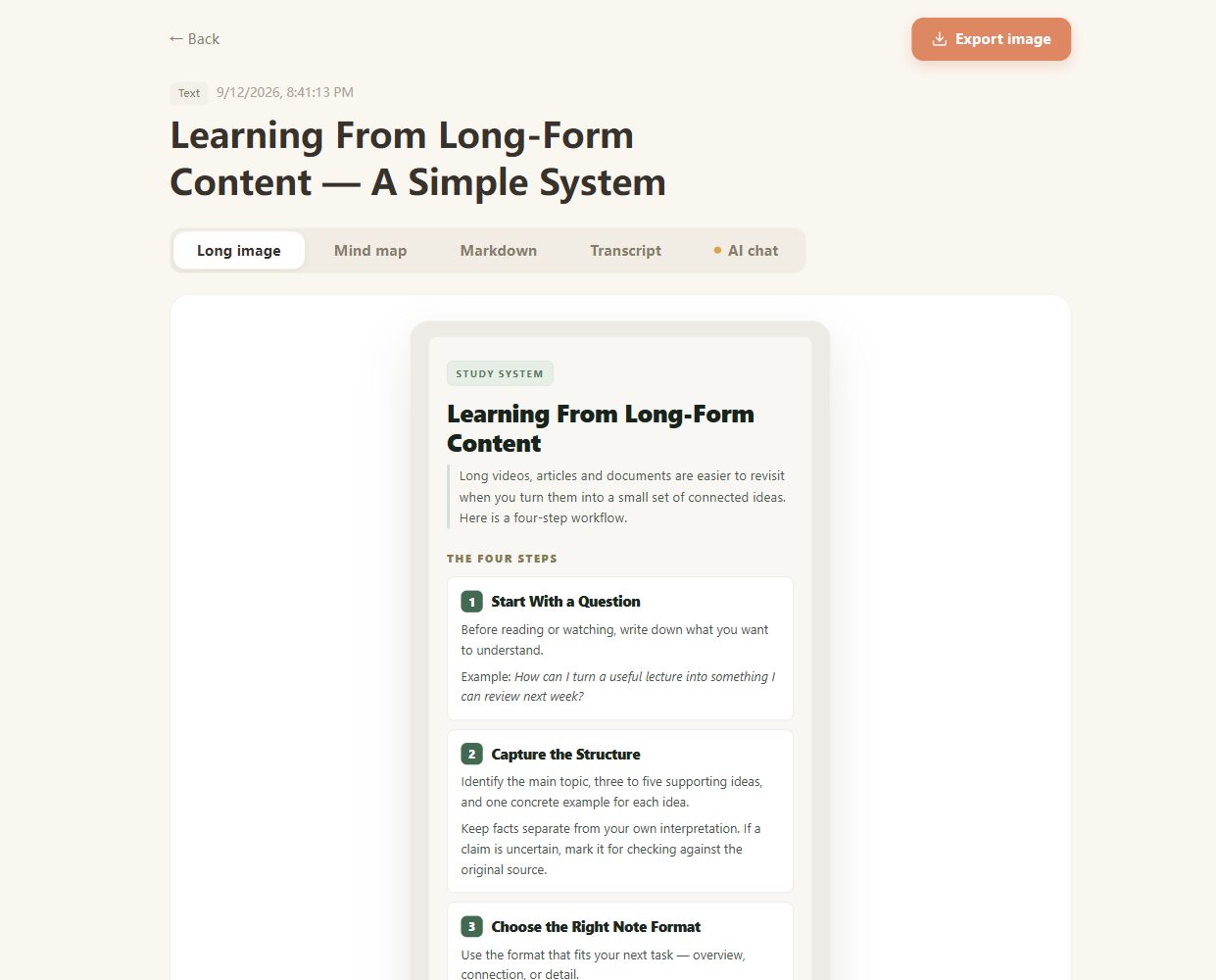
Real CuteNote output · Original demonstration text about learning from long-form content.
Start with the main argument and supporting ideas so you know what to look for in a longer article.
Save a Markdown note or visual summary from something you want to remember after closing the tab.
Ask AI about terms and explanations in the extracted article, then return to the author's original discussion.
Submit one article or page at a time. This workflow does not crawl an entire domain or combine every page of a website into one note.
Access restrictions can prevent extraction. If you can access text you are allowed to process, copy the relevant content into Text Summarizer instead.
Extraction aims to find the readable page content. Navigation, comments, dynamic sections, and embedded media may be omitted or incomplete; check the extracted source before relying on the result.
Use the dedicated YouTube, TikTok, or Instagram tool for those sources. They make the input requirements and video-specific limitations clearer.
No. A summary condenses the source's claims; it does not independently verify them. Check the original evidence and consult other sources when accuracy matters.
Bring something you want to understand. Leave with something worth keeping.
Create your first note