See a lecture's structure
Locate the main concepts and how they sit under broader topics before working through the lesson again.
Organize a YouTube lesson, interview, or explainer into a mind map. Explore the main topic and its branches, then export a PNG for your next review.
Start with the central topic
Branch into supporting ideas
Keep the relationships visible
Paste a public YouTube video link. The mind-map output is already selected.
Continue to the composer and generate. CuteNote organizes the extracted content into a topic hierarchy.
Zoom, fit the map to the screen, or go fullscreen. Export a PNG when you are ready to save it.
Get an overview, connect the ideas, or keep the detail. Choose a format when you generate; add another view when you need it.
See the main topic and the branches that connect its ideas.
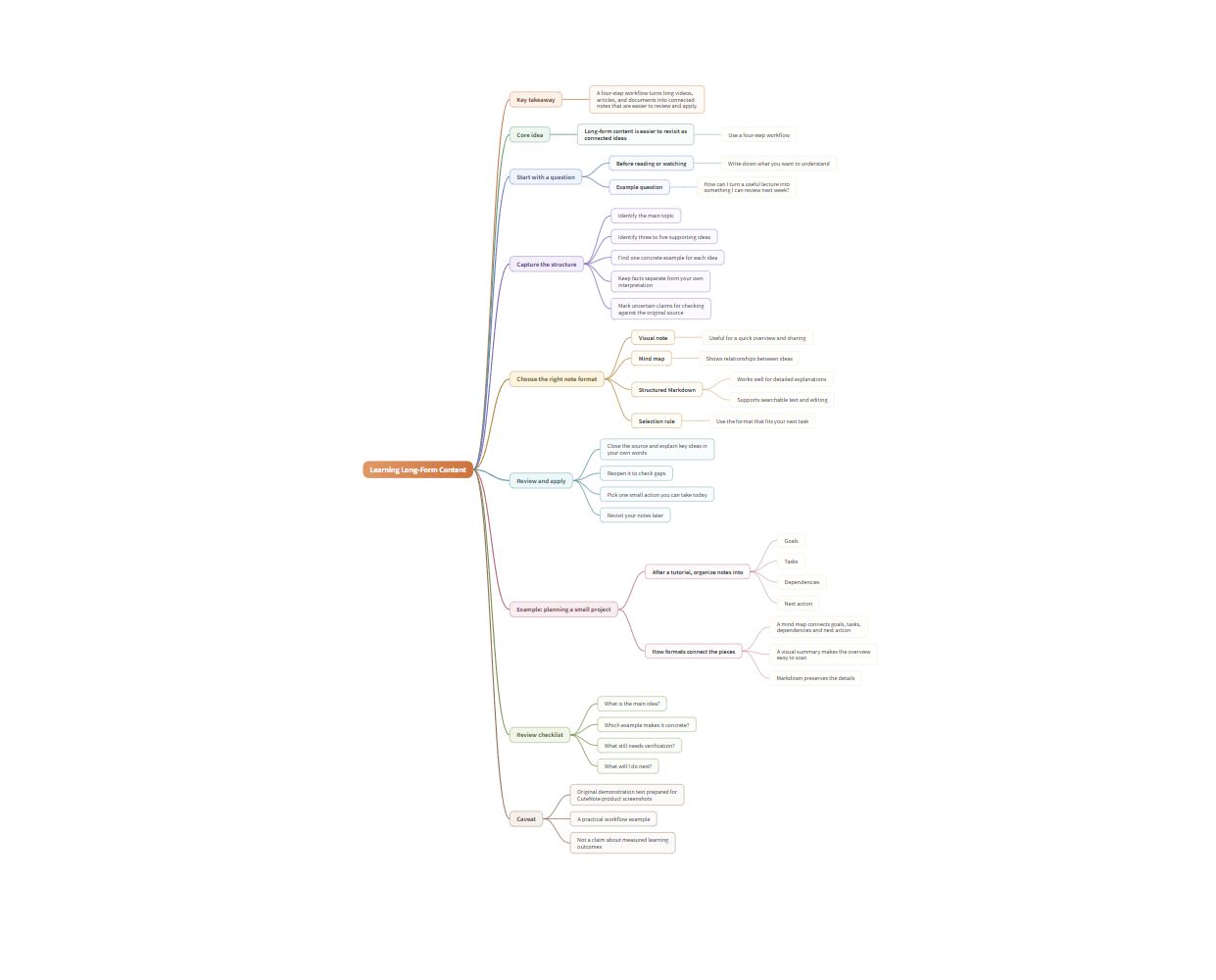
Real CuteNote output · Original demonstration text about learning from long-form content.
Locate the main concepts and how they sit under broader topics before working through the lesson again.
Use the branches as prompts to explain a topic in your own words. Return to the transcript where your understanding needs more detail.
Group the themes in a long interview so you can revisit one line of discussion without losing the broader picture.
It organizes the extracted video content into a central topic and supporting branches. It is a condensed interpretation of the source, rather than a word-for-word transcript.
Yes. The mind-map viewer includes zoom, fit-to-screen, and fullscreen controls, useful when a longer lesson produces a larger map.
The supported export here is a PNG image. This workflow does not promise an editable XMind, FreeMind, or other external diagram file.
Additional formats can be generated from an existing note when available. Use detailed Markdown for explanations that need more space than a short branch label.
Output availability and generation allowances depend on your account. The composer checks access before generation; see Pricing for the current plan details.
Bring something you want to understand. Leave with something worth keeping.
Create your first note