Read a dense explanation
Review unfamiliar terms at your own pace. Compare the words with the summary to see which details were condensed.
Bring a YouTube video into CuteNote, generate a note, and open its Transcript view. Read the extracted words, copy a passage, and explore the context behind the summary.
Read the source text
Check the surrounding context
Copy the passage you need
Paste a public YouTube video link. Sign in and continue with your saved input.
Submit the video in the composer. CuteNote retrieves captions or attempts supported audio transcription.
Open the completed note and select Transcript. Read and copy the source text, or ask AI about a passage.
Get an overview, connect the ideas, or keep the detail. Choose a format when you generate; add another view when you need it.
Keep the detailed explanation in a portable, downloadable .md file.
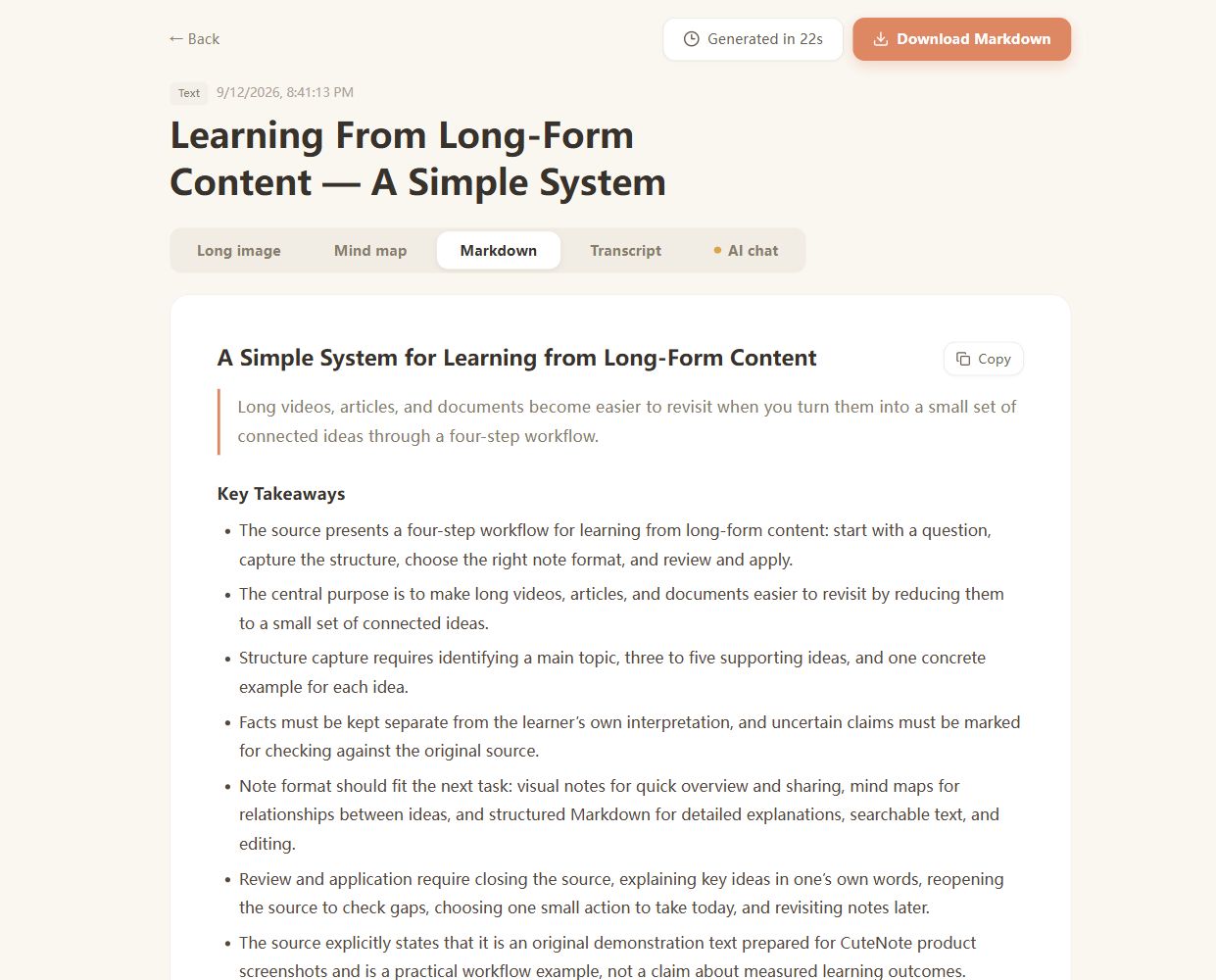
Real CuteNote output · Original demonstration text about learning from long-form content.
Review unfamiliar terms at your own pace. Compare the words with the summary to see which details were condensed.
Find a passage in the extracted text, then listen to the original to verify wording and speaker attribution before quoting it.
Already copied the captions? Use Text Summarizer to turn that text into notes without submitting the video again.
This CuteNote workflow stores extracted source text with a generated note. Sign in, generate the note, and use the Transcript tab to read or copy it. It is not a separate no-login transcript extraction service.
CuteNote can attempt supported audio transcription. Processing still depends on the video being accessible and the transcription service completing successfully.
Source captions and speech recognition can contain errors, especially in names, numbers, or technical terms. Listen to the original before relying on exact wording.
This page offers reading and copying the extracted source text. It does not promise SRT or VTT export, exact timestamps, or identified speakers. Markdown export saves the generated notes, not a subtitle file.
Yes. Open AI chat in the note and ask about the extracted source. Keep the Transcript view available when you need to compare an answer with the original text.
Bring something you want to understand. Leave with something worth keeping.
Create your first note